PayPal Integration

Accept PayPal Payments Directly From Your Repair Orders

Give customers another trusted way to pay without changing how your shop handles repair orders. Accept PayPal at your auto repair shop with Torque360’s PayPal integration, which adds PayPal as an additional checkout option, allowing customers to pay using PayPal and other supported payment methods while keeping completed payments connected to invoices and customer records. Trusted by 1,000+ repair shops managing auto, truck, motorcycle, RV, trailer, heavy-duty, and powersports repairs.
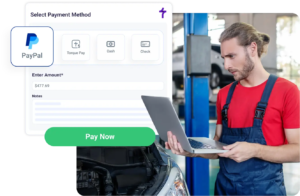
  • Multiple payment methods via PayPal

  • Send requests by Email, SMS & WhatsApp

  • Request payments from any RO

  • Connected invoices & payment records

How Does the PayPal Integration Work?

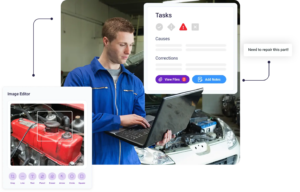
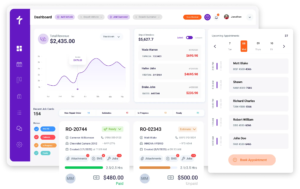
Torque360’s PayPal integration lets service advisors request payments directly from a repair order. Customers receive a secure payment request, complete checkout using their preferred payment method, and each completed payment is automatically recorded against the repair order, invoice, and customer history.

Connect Your PayPal Account

Connect your PayPal Business account through the Torque360 Settings page. Once connected, PayPal becomes available as a payment option for every repair order.

Select Business PayPal on the Repair Order

When a vehicle is ready for payment, select PayPal directly from the repair order to generate a secure payment request.

Send a Secure Payment Request

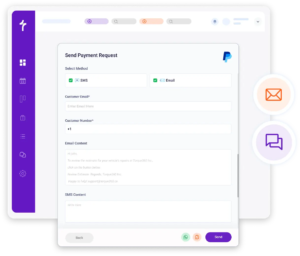
Send the payment request through Email, SMS, or WhatsApp. Customers receive a secure checkout link that they can open from their desktop, tablet, or mobile device.

Customer Completes Payment

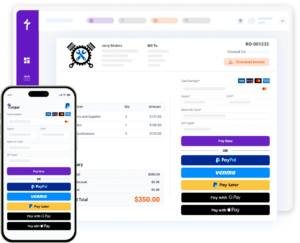
Customers can pay using PayPal, Venmo, Google Pay, Pay Later, or supported credit and debit cards through PayPal’s checkout experience.

Payment Is Recorded Automatically

Once payment is completed, Torque360 automatically records the transaction against the repair order, invoice, and customer payment history.

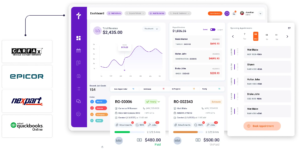
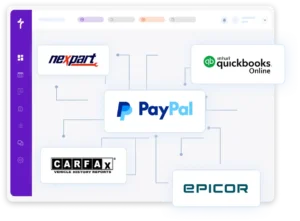
Power Your Shop with Connected Integrations

Offer Multiple Payment Methods Through PayPal

The PayPal integration gives customers multiple ways to complete payment without changing your existing repair workflow. It makes digital wallet payments for auto repair simple by supporting PayPal and other popular payment methods through PayPal’s checkout experience.

Customers can pay using the payment methods they already know and trust through PayPal’s checkout experience. Offering familiar payment options helps create a smoother checkout experience for different customer preferences.

Connect your PayPal Business account once and let customers choose their preferred supported payment method during checkout. Every completed payment remains connected to the repair order and invoice inside Torque360.

No matter which supported payment method customers choose, every completed payment follows the same PayPal checkout experience and remains connected inside Torque360.

Mechanic Shop Software

Send Payment Requests by Email, SMS, or WhatsApp

Send secure payment requests through the communication channel that works best for your customers. Whether you send requests by Email, SMS, or WhatsApp, Torque360 makes remote payments for auto repair simple by giving customers the same secure PayPal checkout experience wherever they are.

Send payment requests directly to your customer’s email address. Customers simply open the email, review the payment amount, and complete checkout through PayPal’s secure payment page.

Text customers a secure payment request when their vehicle is ready. Mobile-friendly checkout allows customers to complete payment directly from their phone.

Share payment requests through WhatsApp for customers who prefer messaging. Customers receive the secure checkout link in the conversation and complete payment using their preferred payment method.

Collect Payments Directly From Any Repair Order

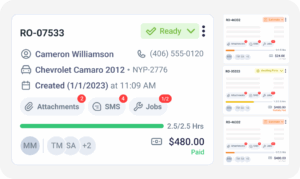
Create payment requests without leaving the repair order. Service advisors can request payment and let customers pay from a repair order using the same workflow they already use to manage estimates, invoices, and customer information.

Select PayPal directly from the repair order to create a secure payment request without switching between different applications.

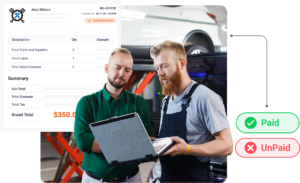
Completed PayPal payments remain associated with the repair order, invoice, and customer history, with PayPal transactions logged in invoices to make payment activity easier to review for every completed job.

Because payment activity stays connected to the repair order, your team spends less time updating separate payment records or searching across multiple systems.

Is PayPal Secure for Auto Repair Shops?

Customers complete payment on PayPal’s own hosted checkout page, so card details are entered on PayPal’s systems rather than on your shop’s computers. PayPal is PCI DSS compliant as a processor, which narrows what your shop is responsible for without removing your own PCI obligations. Meanwhile, Torque360 keeps completed payments connected to the appropriate repair order, invoice, and customer history.

Many customers already recognize and trust PayPal for online payments. Offering a familiar checkout experience can help customers complete payments with greater confidence.

Customers complete payments through PayPal’s secure checkout experience. PayPal handles payment processing and PCI compliance, while Torque360 provides the integration for requesting and tracking payments.

Every completed PayPal payment is automatically associated with the corresponding repair order, invoice, and customer history, helping your team maintain organized payment records.

Add PayPal to Your Existing Workflow

Offer PayPal as an additional checkout option without changing how your team manages repair orders. Connect your PayPal Business account, send instant payment requests, and give customers more ways to pay so your shop can get paid faster.

Mechanic Shop Software

Why Add PayPal to Your Shop?

Give customers another recognized way to pay without changing how your shop manages repair orders. The PayPal integration works alongside Torque360 to give customers more checkout choices while keeping payment collection part of your existing workflow.

Offer a Recognized Payment Option

Many customers already use PayPal for everyday purchases. Offering a familiar checkout option gives customers another way to complete payments without changing your shop’s workflow.

Support More Customer Preferences

Different customers prefer different ways to pay. Supporting multiple payment methods through PayPal gives customers greater flexibility during checkout while allowing your team to continue using the same workflow.

Works Alongside TorquePay

PayPal complements TorquePay by giving shops an additional checkout option rather than replacing their existing payment workflow.

Fits Naturally Into Daily Operations

Because PayPal works inside Torque360, service advisors can continue using the same repair workflow while offering customers another payment choice.

Auto Repair Software with PayPal for Repair Shops

PayPal works alongside the rest of Torque360, allowing payment collection to become part of the same workflow as appointments, inspections, estimates, repair orders, invoicing, and reporting. Whether you’re an independent mechanic or a multi-bay repair shop, Torque360 combines auto repair software with PayPal for mechanics into one connected platform.

appointment-booking-widget

Book jobs, manage calendars, and reduce no-shows.

digital vehicle inspection software

Capture photos and videos. Add notes and findings.

auto repair estimating software

Build accurate estimates with labor, parts, and pricing.

repair order software

Convert approved work into organized repair orders.

auto repair invoicing software

Generate invoices from completed labor and parts.

auto repair job board software

Track jobs, assign technicians, and monitor progress.

Built for Every Type of Auto Repair Business

Whether you run an independent repair shop, tire shop, truck repair business, motorcycle workshop, or mobile service operation, Torque360’s PayPal integration gives your customers another trusted payment option while keeping payment requests and completed transactions connected to your existing repair workflow.

Mechanic Shop

Motorcycle Repair

Truck Repair

Oil Change

Tire Repair

Mobile Mechanics

Case Studies

Trusted by Repair Shops Across
North America

See how repair shops use Torque360 to simplify everyday operations, improve customer experiences, and manage their businesses more efficiently.

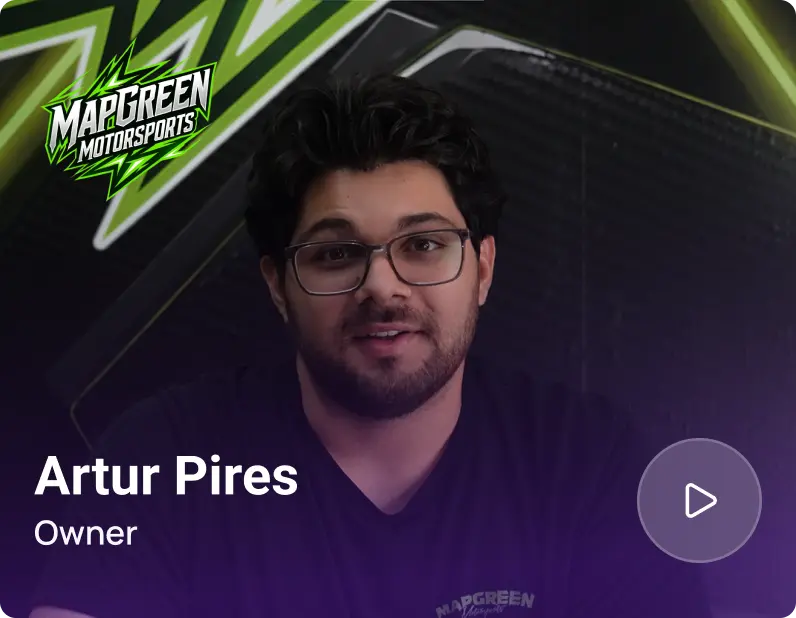
Artur Pires, Owner at Mapgreen Motorsports
Mapgreen Motorsports

"Torque360 changed everything for us. On long projects, nothing gets lost anymore. Labor, parts, approvals, it’s all there. Since using it, I haven’t lost a single cent."

View Story
75%
Missed Revenue Prevented
2x
Increase in Project Visibility
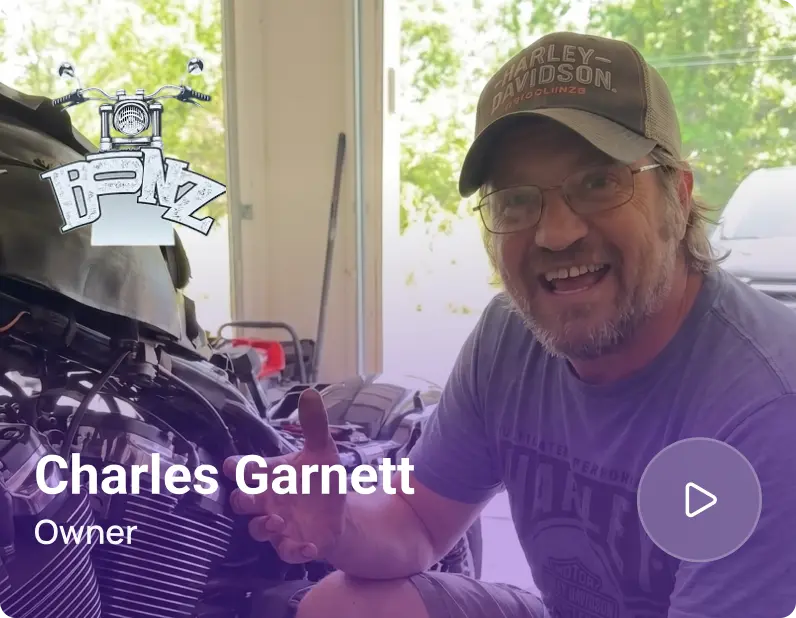
Cauy Cuthbertson, Owner at Charles Garnett
Charles Garnett

“Torque360 has everything I was looking for. From scheduling and tracking jobs to QuickBooks Online integration and Torque Pay, it helps me stay organized.”

View Story
8+ Hrs
Saved on Daily Operations
100%
Same-Day Invoicing with TorquePay
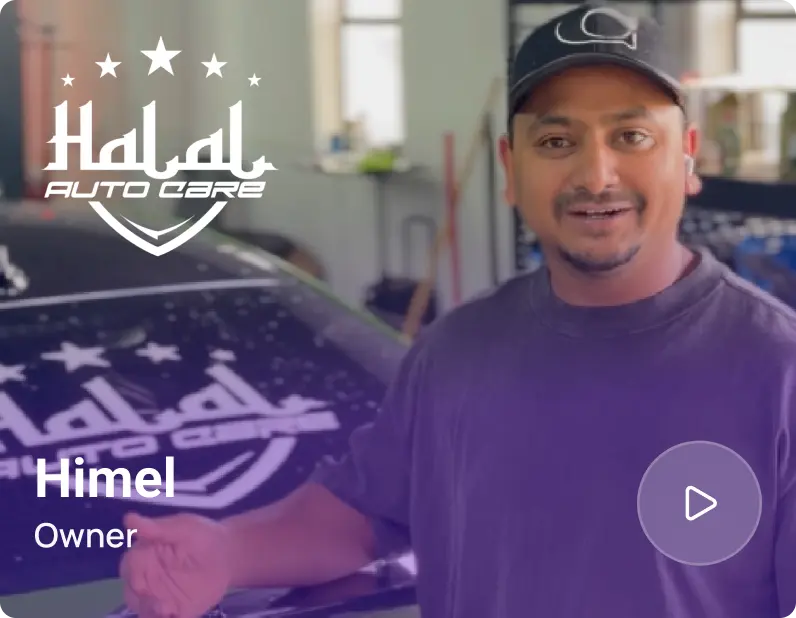
Himel, Owner at Halal Auto Care
Halal Auto Care

"We were doing estimates and tracking jobs manually, and it caused delays and confusion. Now with digital estimates and invoicing, everything is faster and more organized."

View Story
50%
Faster Estimate & Job Processing
1.2x
Higher Customer Capacity
Shop owner video testimonial
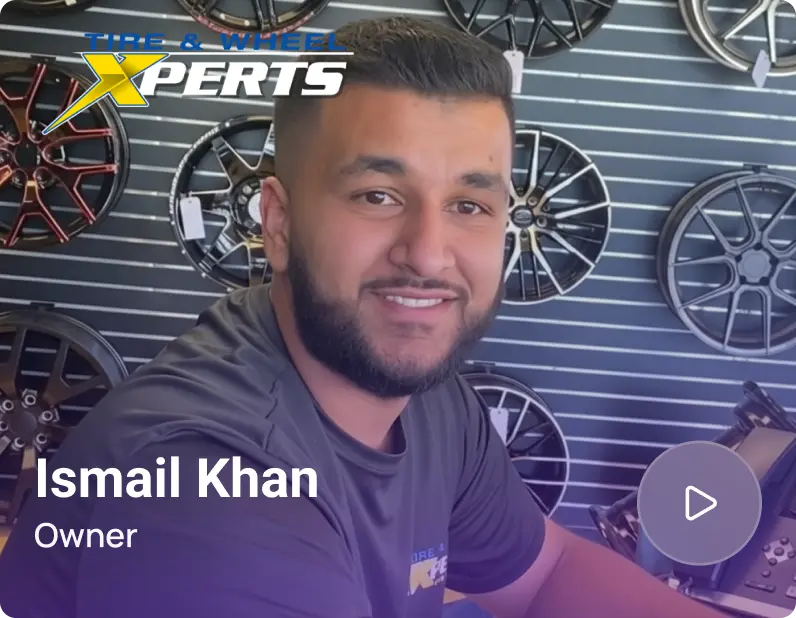
Tire & Wheel Xperts

“Torque360 makes everything easy, efficient, and professional. Each invoice only takes about one to two minutes now. I recommend it 100%.”

View Story
1-2 min
Invoice Creation Time
95%
Automated Inventory Sync
Shop owner video testimonial
Cauy Cuthbertson

"Torque360 helped us bring everything into one place. Jobs, parts, and invoices are easier to manage, and the shop runs more smoothly day to day. It gives us the structure we needed."

View Story
100%
Centralized Shop Workflows
2x
Boost in Operational Efficiency

Add PayPal as an Additional Checkout Option

Add PayPal as an additional checkout option while keeping payment activity connected to your repair workflow inside Torque360.

  • Accept PayPal & supported payment methods

  • Send payment requests by Email, SMS & WhatsApp

  • Request payments directly from repair orders

  • Keep invoices and payment records connected

Frequently Asked Questions

Yes. Torque360’s PayPal integration lets repair shops accept PayPal payments directly from repair orders. Service advisors can send secure payment requests, and customers can complete checkout using PayPal through a secure payment link.

Yes. Customers can complete payments through PayPal’s checkout experience using Venmo, Google Pay, Pay Later, or supported credit and debit cards when available. This gives customers multiple ways to pay while your shop continues managing payments through the PayPal integration.

Yes. Service advisors can send a secure PayPal payment link for repair shops through Email, SMS, or WhatsApp directly from a repair order. Customers receive a secure checkout link that they can open from their desktop, tablet, or mobile device.

Yes. You’ll need a PayPal Business account to connect the PayPal integration with Torque360. Once connected through the Settings page, PayPal becomes available as a payment option for your repair orders.

Yes. The PayPal integration works alongside TorquePay as an additional checkout option. Shops can continue using TorquePay while offering customers another trusted way to pay through the PayPal integration and its supported payment methods.

Yes. Customers complete payments through PayPal’s secure checkout experience. PayPal handles payment processing and PCI compliance, while Torque360 keeps completed payments connected to the appropriate repair order, invoice, and customer history.

Connect your PayPal Business account through the Settings page in Torque360. Once connected, you can select PayPal from any repair order, send a secure payment request, and begin accepting payments through PayPal’s checkout experience.
PayPal charges its own business transaction fees for processing payments. Because PayPal’s pricing may change over time, refer to PayPal’s official pricing page for the most up-to-date fee information. Torque360 does not set or manage PayPal’s transaction fees.

Yes. Torque360 supports PayPal through its PayPal integration, allowing repair shops to request payments directly from repair orders. Customers can complete payments through PayPal’s checkout experience using PayPal and other supported payment methods, while completed payments remain connected to repair orders, invoices, and customer records.