
Auto Repair POS Software
Ring Up the Counter Sale Right the First Time
A counter sale rung up wrong costs a shop twice: once at the register and again at month-end when the register and the books disagree and nobody can say why. An auto repair pos software is a repair shop’s checkout screen. It rings up parts, supplies, and quick services from the same catalog, tax settings, and customer records your repair orders already use. Torque360 Quick Checkout is the automotive POS software built into that workflow. Trusted by 1,000+ independent repair shops across auto, truck, motorcycle, RV, and powersports.
How It Works?
How Does an Automotive POS System Work
at a Repair Shop Counter?
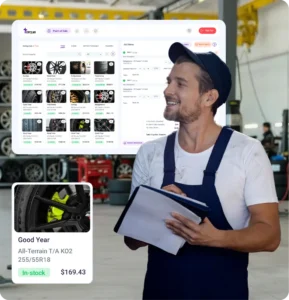
An auto repair POS system earns its keep on the sales that don’t need a bay. Quick Checkout skips intake, technician assignment, and approval. Just the items, the total, and the payment.











When Should a Sale Go Through Quick Checkout Instead of a Repair Order?
Wrong channel, wrong data. Push a $14 wiper blade through a full repair order, and your car count goes up while your ARO goes down. Ring up a brake job at the counter, and that work leaves no trail on the vehicle. Use the Counter-or-RO Rule: if a technician has to diagnose, inspect, or get approval, it’s a repair order. If the customer already knows what they want and it leaves in a bag or a trunk, it’s Quick Checkout.
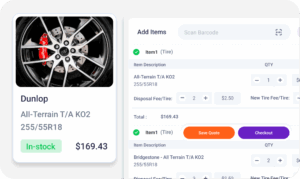
How Should a POS System for Repair Shops Handle Parts, Fees, and Tax?
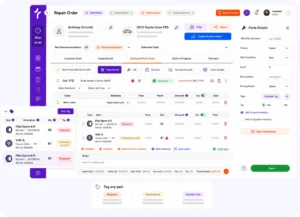
Most counter mistakes aren’t payment mistakes. They happen on the ticket, before anyone touches a card. Quick Checkout puts each pricing decision on the line item, in front of whoever is working the counter.
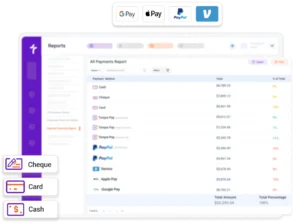
How Do Customers Pay at an Auto Repair POS?
Hit Checkout, and the payment panel opens on the same screen. That sounds minor until you’ve watched a $148.50 sale get keyed into a standalone card machine as $184.50.
What Happens to a Counter Sale After the Customer Leaves?
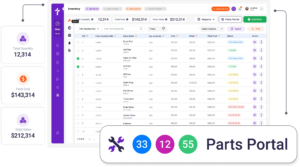
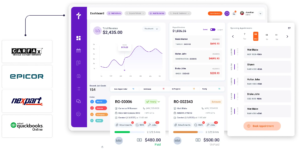
The sale is the easy part. A bad POS does its damage later: in the parts count, in QuickBooks, and in the drawer at close. Here is where each piece of a counter sale lands once the customer drives off.
Counter Sales Come Standard From the Starter Plan
Quick Checkout is included in Torque360 Starter at $89.99/month billed annually, along with estimates, repair orders, inventory management, accounts receivable, and business reporting. The plan that runs your repair orders already runs your counter, so there’s no separate POS subscription stacked on top.
Why Do Shops Pick Torque360’s
Auto Shop POS Software?
See why repair shops choose auto repair POS software that lives inside their shop management system instead of a separate register.


How Does Quick Checkout Connect to the
Rest of the Shop Workflow?
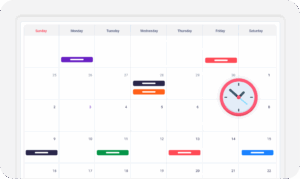
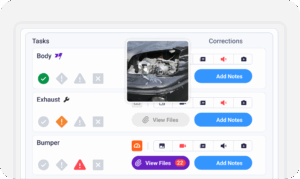
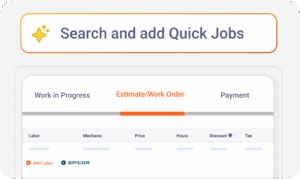
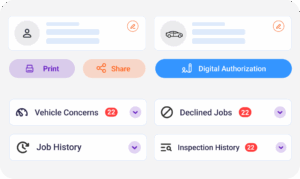
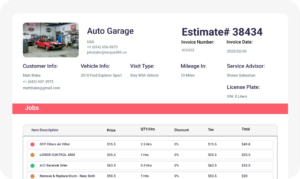
Quick Checkout is one screen in a larger system. These are the modules a counter sale touches on its way from the register to the books.
Which Repair Shops Use Quick Checkout?
Counter volume looks different in every shop type. A tire shop sells tires off the rack, a quick lube sells oil and filters by the case, a truck shop sells hardware to fleet drivers who don’t want to wait. Every one of them runs the same Torque360 platform, so the counter works the same way whatever it’s moving. Tire shops and quick lubes can see their vertical workflows on the Tire Shop and Oil Change pages.


In Their Own Words
Tire & Wheel Xperts, a high-volume tire and wheel shop with four technicians and one service writer, left software that was slow to respond and now runs estimates, jobs, and sales in Torque360. The owner puts each invoice at about one to two minutes.

"Before Torque360, we used a different platform, and that platform didn’t allow us to do any of the stuff that we needed to do. And their customer service was not very good at all"
View Story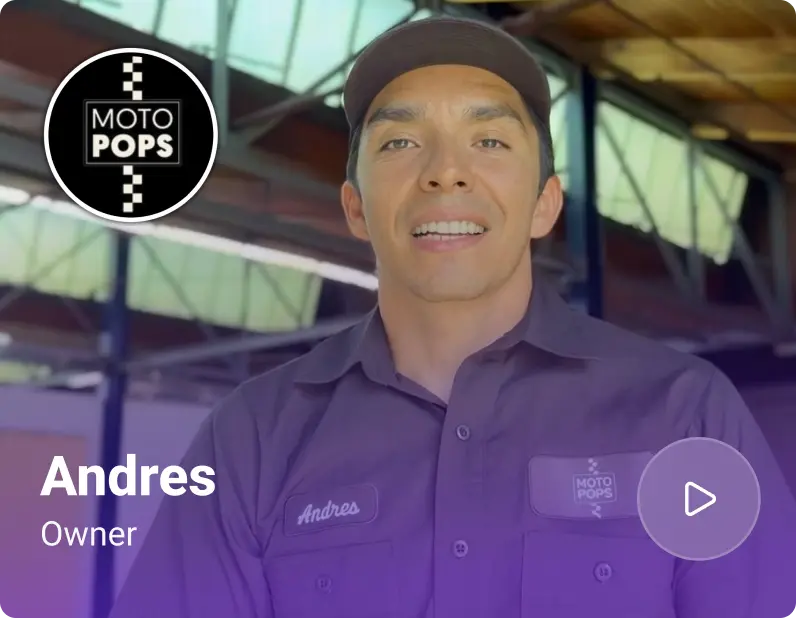
"Being able to send estimates directly to customers and receive instant approvals on their phones has dramatically sped up our repair process and improved communication."
View Story
"Torque360 changed everything for us. On long projects, nothing gets lost anymore. Labor, parts, approvals, it’s all there. Since using it, I haven’t lost a single cent."
View Story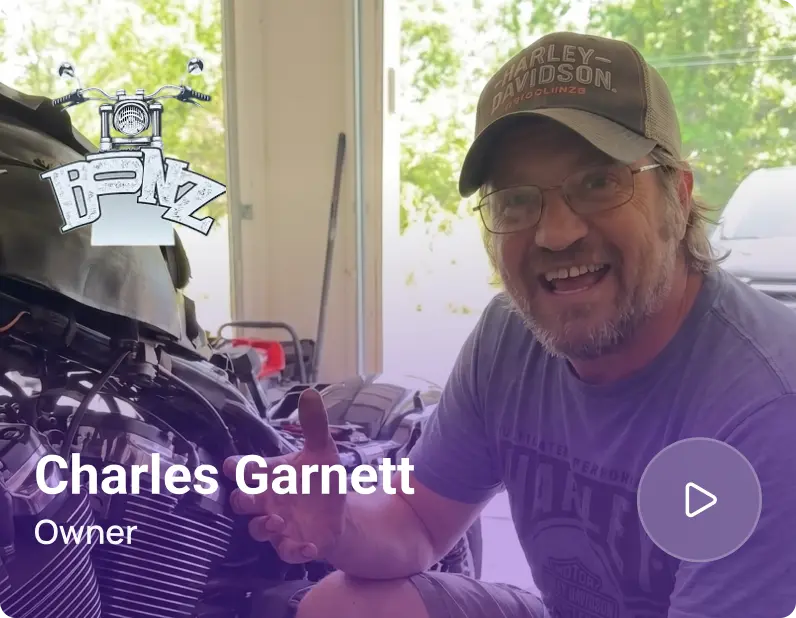
“Torque360 has everything I was looking for. From scheduling and tracking jobs to QuickBooks Online integration and Torque Pay, it helps me stay organized.”
View Story
"We were doing estimates and tracking jobs manually, and it caused delays and confusion. Now with digital estimates and invoicing, everything is faster and more organized."
View Story
“Torque360 makes everything easy, efficient, and professional. Each invoice only takes about one to two minutes now. I recommend it 100%.”
View Story
"Torque360 helped us bring everything into one place. Jobs, parts, and invoices are easier to manage, and the shop runs more smoothly day to day. It gives us the structure we needed."
View Story


“As a small business owner, I was looking for a cost-effective solution that would help me run my auto repair business more efficiently. This program has exceeded my expectations. The quick invoicing feature and the customer support have been a huge help. I would definitely recommend this auto repair shop POS software to anyone in the auto repair industry.”

“I was tired of using manual systems and decided to try out this POS system for auto repair shops for my brake and alignment shop. I couldn’t be happier with my decision. The inventory controls have helped me save money on over-ordering, and the purchase order system in this point-of-sale system is SO helpful!”

“The customizable features of this mechanic shop POS system have been a game-changer for my automotive business. I can now use the same software for my detailing and mechanical repair businesses! Honestly, Torque auto repair POS system is totally worth it.”

“point of sale software for the automotive repairs business has made running my car repair service so much easier. I love how I can log in and use it from anywhere, and the quick invoicing feature saves me a ton of time. My customers are always impressed with how efficient and professional our invoicing process is. I rate it 10/10!”
“I’ve been using this auto shop POS system for my tire shop, and it has revolutionized the way I run my business. The inventory system has helped me keep track of part stock numbers and the ability to accept online payments has made transactions a breeze. I highly recommend this software to any automotive business owner.”