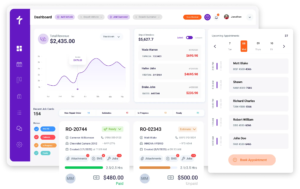
PartsTech Integration
Order Parts and Tires From Suppliers Without Leaving Torque360
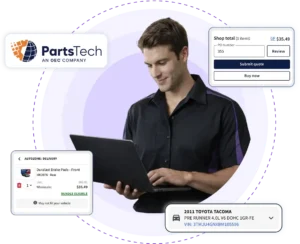
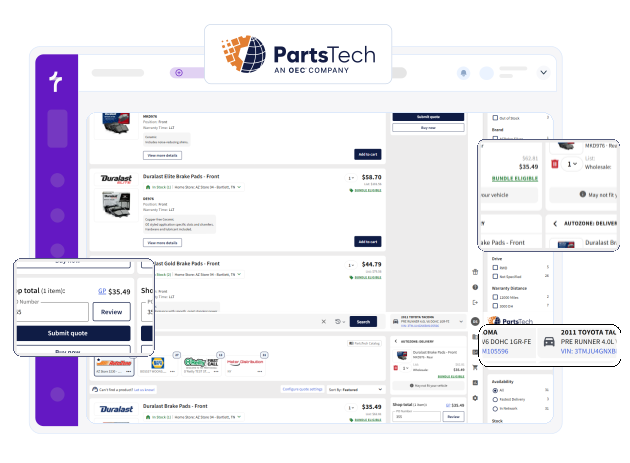
Toggling between supplier tabs slows every repair order. Torque360’s PartsTech integration lets your shop launch PartsTech directly from the repair order to search for parts and tires from multiple suppliers in a single lookup, compare live wholesale pricing and delivery times, and place orders. Once submitted, selected parts automatically sync back to the estimate or repair order without manual entry. Trusted by 1,000+ independent repair shops across auto, truck, motorcycle, RV, tire, and powersports.
How It Works?
How Does the Torque360 PartsTech
Integration Work?










How Does the PartsTech Integration Reduce Parts Ordering Time?
The PartsTech integration reduces parts ordering time by letting service advisors launch PartsTech directly from the repair order. Search multiple suppliers, compare pricing and availability, place the order in PartsTech, and automatically sync selected parts back into the estimate or repair order. Shops can save an average of 15 minutes per repair order.
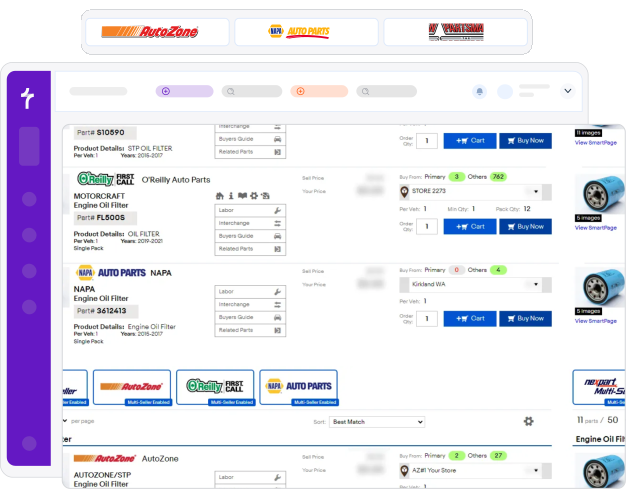
Which Suppliers Can I Order From Through PartsTech?
Through PartsTech, your shop can order from a network of 300+ parts and tire suppliers across 30,000+ locations, according to PartsTech. That includes recognizable retail names, national warehouse distributors, OE dealers, and the local suppliers you already buy from.
Why Repair Shops Choose Torque360’s
PartsTech Integration
Repair shops choose Torque360’s PartsTech integration because it does more than link two systems. It keeps parts and tire ordering inside the repair workflow. That means faster sourcing, fewer manual steps, and better visibility for the whole team.


How Does the PartsTech Integration
Connect to the Rest of Your Repair Workflow?
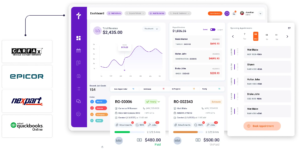
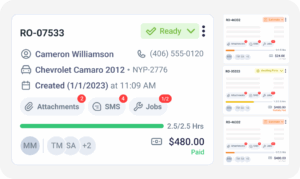
Ordering parts is one step in the repair, not the whole job. Parts and tires ordered through PartsTech stay connected as work moves from estimate to RO, technician assignment, invoicing, and reporting, so every stage uses the same current parts information. Advisors quote in the estimate, order inside the RO, technicians see assigned parts in the technician app, and part costs flow through to the invoice without re-entry.
Built for Every Type of Repair Shop
Every repair shop depends on fast, accurate parts and tire ordering to keep bays full. Torque360’s PartsTech integration helps auto repair shops source parts and tires from one connected platform. Multi-tech shops running several bays get the most from one-lookup ordering, since a single advisor can source parts and tires for many jobs without switching tools.


Faster Parts Sourcing. Tires and Parts Together.
Fewer Delays.
Repair shops use Torque360 to source parts and tires from one workflow, save time on parts ordering, and keep repairs moving with fewer wrong-part delays. By keeping ordering aligned with the repair process, shops build more accurate estimates and give customers a clearer picture before work begins.





“The auto shop software with parts ordering just makes sense. I don’t waste time hunting for parts anymore; it’s quick, accurate, and all I need to do is connect my PartsTech account with the Torque360 dashboard.”

“What I love most is the accuracy. With auto repair software with PartsTech, we’ve cut down on wrong part orders, which keeps jobs moving and customers happy.”