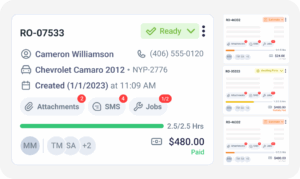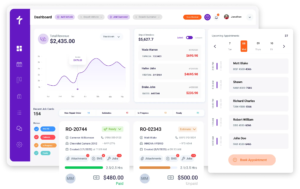
CARFAX Integration

CARFAX for Auto Repair Shops Without Typing a Single Vehicle

Torque360 runs CARFAX for auto repair shops directly inside the repair order. Enter a VIN or a license plate and the state it is registered in, and the vehicle identifies itself while its reported service and vehicle ownership history opens on the same screen. Nobody types a trim level, opens a second tab, or logs into a separate CARFAX account. Used by 1,000+ independent auto, truck, motorcycle, RV, and powersports repair shops across North America.
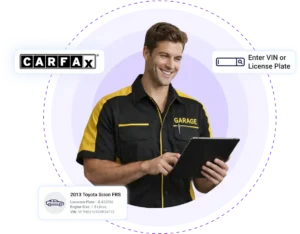
  • VIN and plate lookup on every estimate and repair order

  • Reported service history opens inside the job

  • Active by default, no separate CARFAX account

  • Customer contact details never leave Torque360

How It Works?

How Does CARFAX Integration Work
Inside Torque360?

You enter a VIN or a license plate on an estimate or repair order, and CARFAX returns the vehicle details in seconds along with its reported service history. There is no account to connect and no lookup tool to open alongside your shop software. The first lookup works the day your shop logs in.

CARFAX Is Already Active

Nothing needs connecting. The lookup runs on the vehicle field of every estimate and repair order in Torque360 by default, with no API key to paste, no separate subscription to buy, and no onboarding task sitting on somebody’s list.

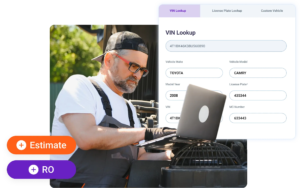
Enter a VIN or a Plate

Type the 17-character VIN, or a plate number paired with its registration state. Advisors taking a booking over the phone reach for the plate because a customer can read it off a registration card without walking out to the windshield.

The Vehicle Fills Itself In

Year, make, model, sub-model, and engine are written into the vehicle record from CARFAX data. Nobody types a trim level, and nobody has to pick between two engine options offered on the same model year and hope they chose correctly.

Open the Reported History

The CARFAX service history is available on the repair order itself. A service advisor writing the repair order reads what other shops have reported against that VIN without switching to a separate site and losing the thread of what they were doing.

Quote and Inspect From Records

The estimate, the faster digital vehicle inspections, and the parts search all inherit the confirmed vehicle’s information. That removes the most common cause of a wrong parts order, which is rarely a bad supplier and usually a vehicle entered incorrectly at intake.

Integrate Your Entire Workflow

Why Do Unfamiliar Vehicles Cost Your Shop the Most Time?

Every vehicle arriving at your shop looks the same from the parking lot, but your advisors do not know them equally well. We call this the unknown vehicle problem, and it sorts into three tiers by how much context the shop already holds before the walkaround begins.
Your own repair order history covers this car. The advisor opens the customer record, sees what you did last visit and what the customer deferred, and writes the job in minutes. This is the fastest and most profitable vehicle in the shop.

You know the person and nothing about the vehicle they just bought. The relationship carries the conversation, but the diagnosis starts from zero, and every recommendation rests on whatever the previous owner told them at handover.

No file, no relationship, no history. Advisors either burn time asking questions the customer cannot answer or quote around the gap and absorb the loss when a part replaced eight months ago turns up on the estimate.

Comebacks, redone work, and declined recommendations concentrate in tier three, and it is the tier every new customer arrives in. A VIN lookup for auto repair shops or a plate lookup pulls that vehicle toward tier one before a technician touches it, which is the entire point of the integration.

What Does the CARFAX Service History Show, and What Does It Miss?

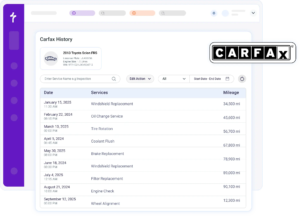
The CARFAX service history opens inside the repair order and shows the maintenance and ownership records reported against that VIN. Reading it well means knowing where the record stops, because a lightly reported car and a neglected car look identical on screen.
See the maintenance other shops reported to CARFAX instead of relying on what a customer can recall while standing at the counter. That context is what separates a real diagnosis from a guess about which parts somebody has already thrown at the problem.

Every reported service record carries the odometer reading from that visit. Lined up in order, those readings show a technician whether the vehicle has been serviced at steady intervals or whether there are long mileage gaps with nothing documented in between.

Reporting to CARFAX integration is voluntary, and many independent shops never do it, so a thin record proves nothing about how a car was treated. Read light history as missing data, and let the inspection settle what the vehicle needs today.

Vehicle History in Shop Management Software. Pull It.

Every vehicle in your bays has a reported service record sitting behind its VIN right now. One lookup puts that record in front of the advisor writing the job before the estimate goes out rather than after a customer disputes a line on it.

Built to Power Entire Auto Shop Operation

Why Do Shops Prefer CARFAX for Auto Repair
Shops Built Into the Platform?

Most shop management platforms connect to CARFAX integration in some form. What separates them operationally is where the lookup lives, which plan it sits on, and how much of the vehicle record it fills before anyone touches a keyboard.

No Separate Account to Manage

CARFAX integration runs inside Torque360 without a second subscription, a second login, or a setup task handed to somebody at the front desk. A shop already managing a parts portal, a labor guide, and an accounting login does not take on another.

Included on Every Plan

The CARFAX integration is available across Torque360 pricing plans rather than held back for a higher tier. Standard usage carries no charge per lookup, so advisors run it on every car instead of saving it for the jobs that seem to warrant it.

Customer Details Stay in Torque360

What leaves Torque360 is vehicle-level and shop-level: the VIN, the mileage, and the service record. Nothing that identifies the customer goes with it, which answers the question owners raise first when a third-party lookup is put in front of them.

One Lookup Feeds the Whole Job

The vehicle pulled from CARFAX carries into the estimate, the inspection, the parts search, the repair order, and the invoice. One accurate entry at intake stops the same wrong trim repeating itself at four later stages.

The Plate Works When the VIN Will Not

Plenty of customers cannot locate a VIN and cannot name their engine or trim, especially on a car they bought used. Plate and state lookup closes that gap at the counter and on the phone, which is where vehicle detail usually gets lost.

Built for More Than Cars

Truck, motorcycle, RV, and powersports shops feel the unknown vehicle problem harder because their advisors see any given model far less often. Torque360 covers those shop types on the same platform rather than treating them as an exception.

Where Does the Vehicle Record Go After the Lookup?

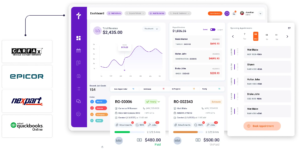
CARFAX for auto repair shops only pays off if the rest of the shop uses what the lookup returns. The vehicle identified through CARFAX carries into estimates, digital vehicle inspections, parts ordering, the repair order, and the customer’s vehicle profile, so every stage of the job works from one confirmed vehicle instead of four slightly different versions of it.
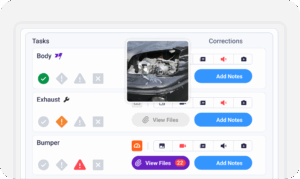
appointment-booking-widget

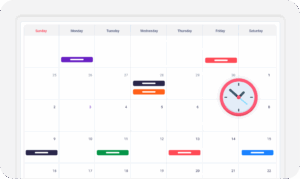
Book jobs, manage the calendar, reduce no-shows, and stay organized

digital vehicle inspection software

The full DVI workflow with photo, video, voice, and measurements

auto repair estimating software

Build quotes from inspection findings with labor, parts, and pricing

repair order software

Convert approved estimates into organized repair orders with job tracking

auto repair invoicing software

Generate invoices and accept TorquePay, PayPal, Google Pay

auto repair job board software

Track jobs, assign technicians, and monitor status in real time

Who Benefits Most From CARFAX for Auto Repair Shops?

The value tracks how often unfamiliar vehicles come through the door. A specialist shop working on 40 known cars for 40 known customers gains less from the lookup than a general repair shop taking walk-ins, pre-purchase checks, motorcycle, RV, and powersports work every week.

Mechanic Shop

Motorcycle Repair

Truck Repair

Oil Change

Tire Repair

Mobile Mechanics

Case Studies

What Changes When the Vehicle Is Right the First Time

Independent shops describe the knock-on effects of accurate intake: fewer parts returns, shorter write-up times, and recommendations customers stop arguing with. The lookup is one step, but it is the step every later stage depends on.
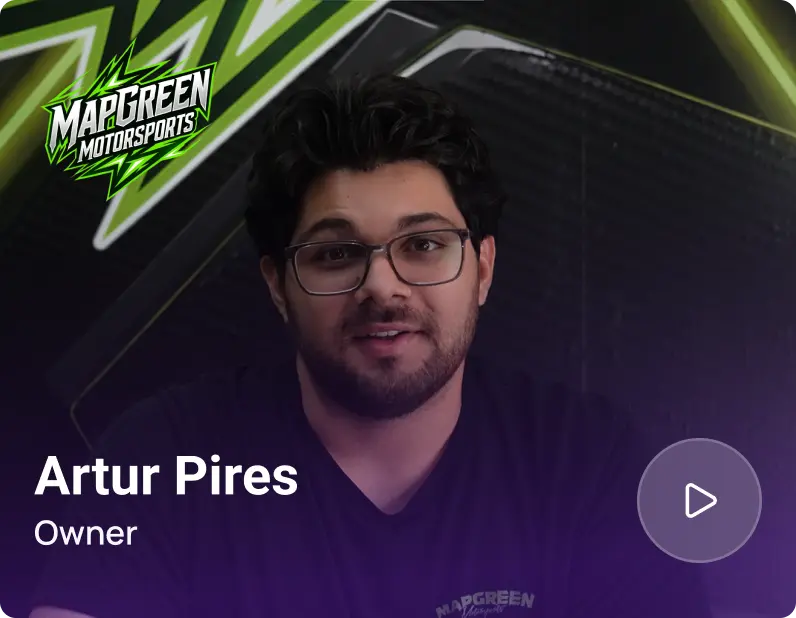
Artur Pires, Owner at Mapgreen Motorsports
Mapgreen Motorsports

"Torque360 changed everything for us. On long projects, nothing gets lost anymore. Labor, parts, approvals, it’s all there. Since using it, I haven’t lost a single cent."

View Story
75%
Missed Revenue Prevented
2x
Increase in Project Visibility
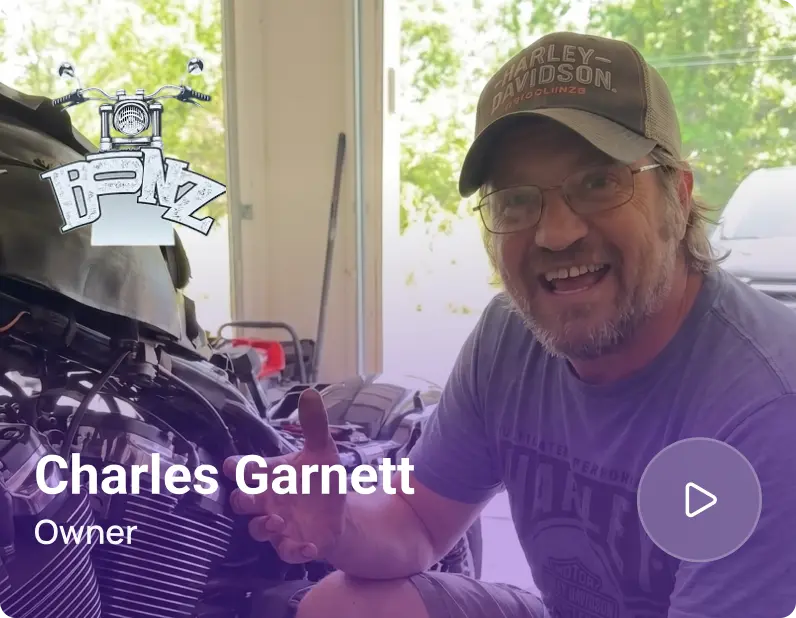
Cauy Cuthbertson, Owner at Charles Garnett
Charles Garnett

“Torque360 has everything I was looking for. From scheduling and tracking jobs to QuickBooks Online integration and Torque Pay, it helps me stay organized.”

View Story
8+ Hrs
Saved on Daily Operations
100%
Same-Day Invoicing with TorquePay
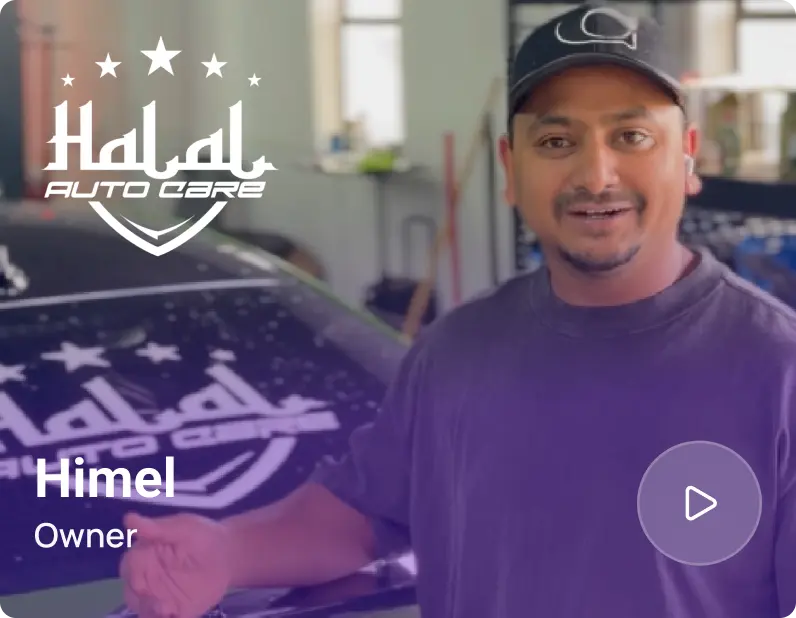
Himel, Owner at Halal Auto Care
Halal Auto Care

"We were doing estimates and tracking jobs manually, and it caused delays and confusion. Now with digital estimates and invoicing, everything is faster and more organized."

View Story
50%
Faster Estimate & Job Processing
1.2x
Higher Customer Capacity
Shop owner video testimonial
Tire & Wheel Xperts

“Torque360 makes everything easy, efficient, and professional. Each invoice only takes about one to two minutes now. I recommend it 100%.”

View Story
1-2 min
Invoice Creation Time
95%
Automated Inventory Sync
Shop owner video testimonial
Cauy Cuthbertson

"Torque360 helped us bring everything into one place. Jobs, parts, and invoices are easier to manage, and the shop runs more smoothly day to day. It gives us the structure we needed."

View Story
100%
Centralized Shop Workflows
2x
Boost in Operational Efficiency
Testimonials
Hear From Repair Shops Using CARFAX Integration Inside Torque360!
google
capterra
trustpilot
G2 Award Badge for User Love in Auto Repair Shop Software

Watch a Live Lookup on Your Own Plan

A demo runs a live VIN and plate lookup on your own plan, shows where the reported service history lands on the repair order, and covers what the record does and does not include. Vehicle identification is easier to judge by watching it than reading about it.

  • Included on every Torque360 pricing plan

  • Active by default, no CARFAX account required

  • VIN or plate, on any estimate or repair order

  • Vehicle history only, recalls run through NHTSA

Frequently Asked Questions

Yes. CARFAX is built into Torque360 and switched on by default across all plans. Shops use it for VIN vs license plate lookup for auto repair and to read a vehicle’s reported service and ownership records from inside an estimate or repair order, with no account to connect first.

CARFAX for Service is the shop-facing side of CARFAX that supplies reported vehicle service history to repair shops. It is a different product from the consumer CARFAX report a used-car buyer pays for before a private sale, and it is built around what an advisor needs while writing a job rather than what a buyer needs before making an offer.

Yes. Enter the license plate with the state it is registered in, and Torque360 identifies the vehicle through CARFAX without the VIN. This is the faster route when a customer is booking by phone, cannot find the VIN on the vehicle, or is reading details off a registration card.

Type the VIN into the vehicle field on any job in Torque360, and the reported maintenance record comes back with the vehicle specification attached. Both land on the job the advisor is already writing, so nothing needs to be opened in a second browser tab mid-write-up.

Vehicle and shop-level data such as the VIN, mileage, and service records are shared. Customer names, phone numbers, and contact records stay inside Torque360 and are not sent to CARFAX, which is the distinction most owners are asking about when they raise the question.

No separate CARFAX account is required, and there is no per-report charge under standard usage. Special tiers or usage limits can apply in some cases, so confirm your limits with the Torque360 team when your account is set up rather than assuming unlimited lookups.

Vehicle data is typically returned instantly. In some cases, the result takes a few minutes depending on the VIN and the vehicle’s registration location, so the advisor can carry on building the job while it loads rather than waiting on the screen.

The CARFAX integration covers vehicle identification and reported service history, so run the NHTSA check when recall status affects the job you are quoting. Keeping the two apart matters because a service history is not a recall check.