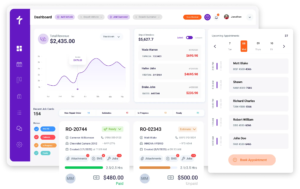
Epicor Integration
Brings Parts Ordering & Labor Times Into Every Repair Order
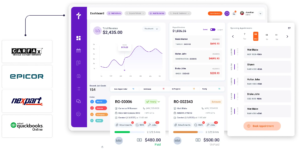
Most parts problems are not ordering problems. They are lookup problems. A service advisor knows the vehicle needs a wheel bearing, but not which of the four listings actually fits a 2019 build with the heavy-duty package. Torque360’s auto repair software with Epicor integration puts the Epicor parts catalog, live pricing, and vehicle fitment inside the repair order and brings Mitchell 1 labor times in alongside them. More than 1,000 repair shops run auto, truck, motorcycle, RV, and powersports work on Torque360.

How It Works?
How Does the Torque360 Epicor
Integration Work?
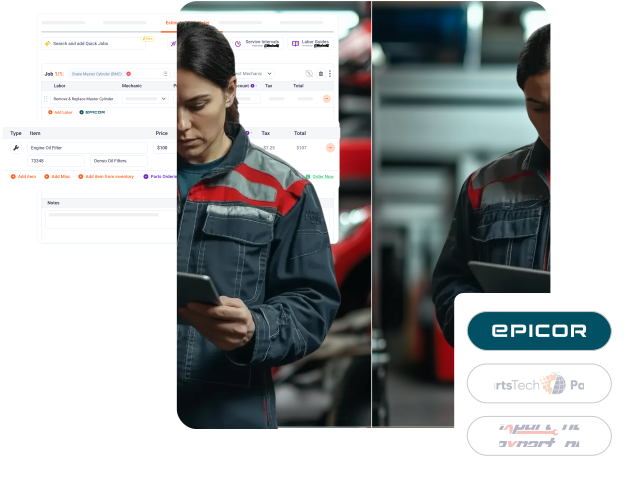
The Epicor integration runs as a parts catalog inside your repair order. Advisors search Epicor part listings, confirm the part matches the vehicle on the job, and order it. The estimate and invoice update from that one action.












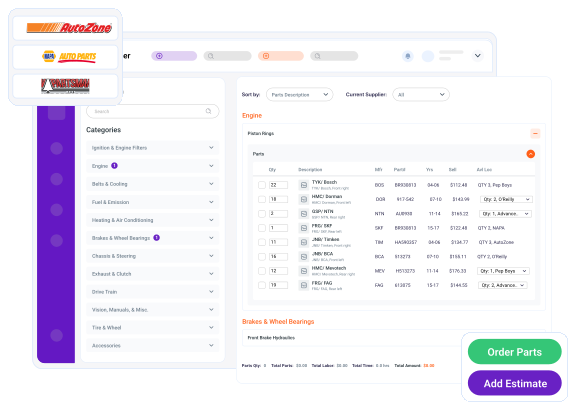
What Does the Epicor Parts Catalog Add Inside Torque360?
The Epicor automotive parts management catalog shows advisors the parts of the suppliers the shop has connected, and only those. Connect the accounts you order from, a national chain like NAPA or AutoZone, and their catalogs, with live pricing and availability, are what the advisor searches from inside the repair order.
How Does Epicor Fitment Data Reduce Wrong Parts and Comebacks?
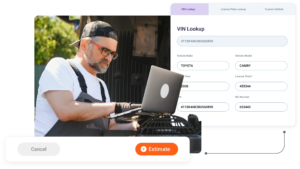
Because Epicor works from the vehicle on the job, the advisor only ever sees parts that fit the selected build. The parts that could go on the wrong car are not on the screen to begin with, so the fit is settled at search before anything is ordered.
What Do the Labor Time Guides Add to Every Estimate?
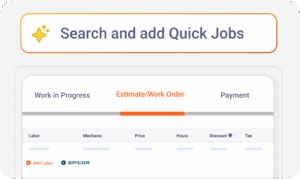
The integration is not only parts. The same Epicor by Mitchell1 connection brings Mitchell 1 labor times into Torque360, so once the parts are on the job, the labor hours are right there too, and the advisor prices the whole job in one place instead of pricing parts here and working out labor by hand.
Why Do Repair Shops Choose Torque360’s
Epicor Integration?
A parts integration earns its place by taking steps out of the day, not by adding another system to run alongside the shop. Here is what makes advisors reach for it on every repair job.


How Does Epicor Parts Data Connect to the
Rest of the Shop Workflow?
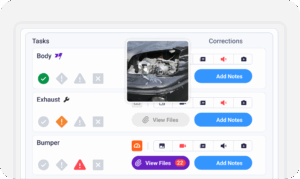
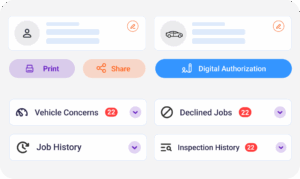
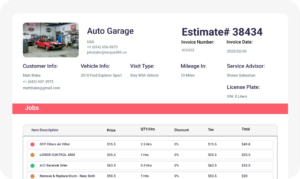
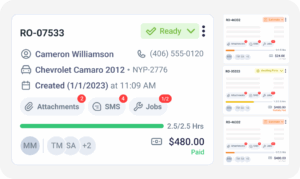
A part looked up through Epicor does not stop at the order. The same part record carries into the estimate the customer approves, the repair order the technician works, the invoice at checkout, the inventory count, and the parts profitability line in reporting, with one part number entered once.

Built for Every Type of Repair Shop
Catalog depth matters most where vehicles vary. Independent auto, truck, motorcycle, RV, and powersports shops use Torque360’s Epicor integration to find vehicle-specific parts without keeping a separate catalog subscription for every job type they take in.


“This integration saves me hours every week. We’ve stopped dealing with wrong orders, which means cars get fixed faster and customers trust us more.”

“With Epicor repair shop software integration inside Torque360, I find the part, confirm the price, and move on. My team loves how simple it is.”