Auto Repair Reporting Software

Bring Customers Back Without Anyone Picking Up the Phone

Auto repair reminder campaigns send automated service reminders, maintenance reminders for customers, and post-service follow-up messages so repeat visits stop depending on who remembered to call. Torque360 builds every campaign from your existing customer and repair order data, sends them by SMS or email at the timing you define, and keeps running after you set it once. Trusted by 1,000+ independent repair shops across auto, truck, motorcycle, RV, and powersports.
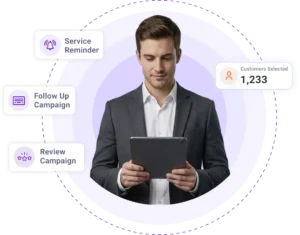
  • Reminders timed from each customer’s last visit

  • Post-service follow-ups from closed repair orders

  • Every past customer reached, no call list

  • Timing you set once, then it runs on its own

  • SMS or email delivery per campaign

How It Works?

How Do Auto Repair Reminder Campaigns
Bring Customers Back?

Reminder campaign software for repair shops turns your existing customer list into scheduled outreach. You set up a reminder campaign once in Torque360, define what triggers it, and every message from that point forward sends without anyone maintaining a follow-up list.

Choose the Reminder Type

Pick the campaign type: a service reminder, a repair order follow-up, or a sold-out item follow-up. Name it so any advisor on your team can find it later.

Set Automatic or Manual Sending

Automatic campaigns send on their own once the trigger conditions are met. Manual campaigns wait for you, which suits one-off outreach like filling a slow week.

Customize the Message

Edit the message so it reads like your shop, in your own words. A message written for your customers lands better than a stock template.

Define Reminder Timing & Conditions

Choose how long after a customer’s last visit the reminder sends. The campaign counts forward from that date for each customer, so the timing is personal to when they were actually in your shop.

Choose SMS or Email & Launch

Select the delivery channel for that campaign, then launch it. New customers enter the campaign automatically as repair orders close.

Integrate Your Entire Workflow

What Types of Auto Repair Reminder Campaigns Can a Repair Shop Run?

Torque360 runs every retention campaign from one builder, each type aimed at a different point in the customer relationship. Service reminder software for auto repair only pays off when the campaign type matches how that customer actually cycles back through your bays.

Service reminders bring a customer back after a set period, and they are the core retention campaign in Torque360. The reminder is timed from each customer’s last visit rather than sent to your whole list on the first of the month, so everyone is counted from the day they were actually in. Recurring maintenance is the most predictable revenue in a repair shop, and silence is the main way shops lose it.


Post-service follow-up messages trigger off a closed repair order and reach the customer while the visit is still recent. They confirm the repair is holding and give an unhappy customer a private place to raise an issue before a public one. This is the campaign most shops intend to run by hand and never do.

Torque360 lets you send a campaign to a selected customer list rather than your entire database. This is how shops run re-engagement work: build the list of customers who have gone quiet, then send a discount campaign or a sold-out item follow-up to that group alone. Targeted sending is also what keeps a promotion from reaching the customer who was in yesterday.

How Do You Keep Automated Reminders From Annoying Customers?

Fear of over-messaging is why most shops send nothing at all. Under-communicating feels like the safe choice and is not, because the shop that stays in touch is the one that gets the next service. Customizable reminder timing is what lets a shop run retention without the anxiety.
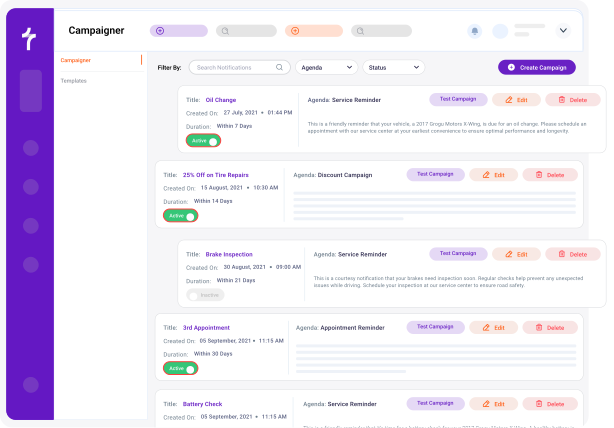
You define timing and conditions during setup, which controls when a reminder sends and how far apart messages fall. Timing is set per campaign, so a post-service follow-up and a service reminder never run on the same clock. Set-and-forget automated reminders only work when the timing is set deliberately in the first place.

Every campaign message is editable, so you choose the reminder type and message together instead of sending a stock template. You write each message yourself, so it can carry your shop’s name, the reason for the reminder, and any offer you want to include. Customers can tell within one line whether a message was written for them or for everyone.

No, the setup is four decisions: campaign type, message, timing, and channel. Service advisors configure these campaigns without a marketing background, because the targeting comes from repair order data rather than from list building. Most shops start with one post-service follow-up and one service reminder.

Automotive Digital Marketing Company

How Do Reminders Use Your Existing Customer and Repair Order Data?

A reminder is only as good as the record behind it. Automated customer follow-up software that runs off a separate contact list drifts out of date, while campaigns that run on the records your shop already keeps stay accurate. Torque360 reminder campaigns run on the customer details and last visit date; your shop updates on every repair order.

Auto repair reminder campaigns use whatever customer and repair order history is already in Torque360, and that record keeps building as you use the software. A shop that migrated existing customer history can run interval reminders immediately. A shop starting fresh builds a usable retention list within a few months of normal work.

Every new repair order updates that customer’s last visit date, so the reminder clock always counts from their most recent visit without anyone editing a list. A customer who comes back simply starts counting again from that day. The record the campaign runs on is the same one your shop updates on every job.

SMS or email reminders are selected per campaign. Text suits time-sensitive service reminders because it gets read faster. Email suits longer follow-ups, service summaries, and offers that need more room.

What Is the Difference Between Reminder Campaigns and Appointment Reminders?

These two get treated as one thing, and running them together weakens both. Reminder campaigns work on customers who do not have a booking, while appointment reminders work on customers who do. Torque360 runs both on separate settings from the same customer records.

Reminder campaigns bring customers back to the shop after a service. They reach people with no appointment on the calendar: due for maintenance, recently serviced, or quiet for a year. The outcome they protect is repeat business and customer lifetime value.

Appointment reminders confirm a visit that is already scheduled and send before the customer is due to arrive. They reach people who have already booked and simply need to show up. The outcome they protect is a full schedule and fewer no-shows.

A shop with strong appointment reminders and no retention campaigns runs a reliable schedule over a shrinking customer base. A shop with strong retention and no appointment reminders books plenty of work and loses part of it to empty bays. They solve opposite halves of the same revenue problem.

Both run on the same customer and vehicle records inside Torque360, so nothing is entered twice. A customer who books from a service reminder moves into the appointment reminder flow automatically. The handoff between retention and attendance happens without an advisor moving anything across.

Automotive Digital Marketing Company

Your Next Repeat Customer Is Already in Your Database 

Most shops spend on ads to replace customers who are still sitting in their own customer list, uncontacted since their last invoice. Torque360 works that list for you, using the customer records your shop already builds on every repair order. The cheapest revenue in a repair shop is the customer who already trusts you.
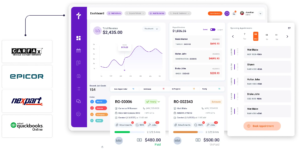
Built to Power Entire Auto Shop Operation

Why Choose Us

Why Do 1,000+ Independent Shops
Use Torque360 for Customer Retention?

See why repair shops choose Torque360 as their customer reminder system for auto shops, running reminder campaigns inside their shop management system instead of a separate email tool.

Website & Optimization

Follow-ups that happen on your worst week

Campaigns send whether or not the front counter had a quiet afternoon. Manual follow-up is the first task dropped when three cars come in at once.

Tracking and Reporting

Timed to each customer, not your whole list

Every customer is counted from their own last visit date, so no one gets a message on a day that means nothing to them. The reminder reaches them on their own schedule.

Plan and Strategy

Retention without the ad spend

Reaching a past customer costs a message, while replacing them costs an ad budget. Most shops buy new customers while the old ones sit untouched.

Continuous Optimization

One system, one customer record

Reminders, repair orders, inspections, invoicing, and scheduling share the same database. There is no marketing list to export, sync, or keep current by hand.

How Do Reminder Campaigns Connect to the
Rest of the Shop Workflow?

Retention works because the data behind it is the same data running the shop floor. Every module below writes to the customer record that campaigns read from. Customer records live in Customer Management, and review requests run through Google Review Campaigns.
appointment-booking-widget

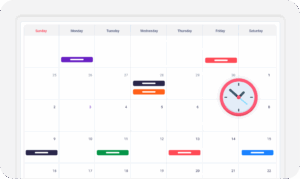
Book jobs, manage calendars, and reduce no-shows.

digital vehicle inspection software

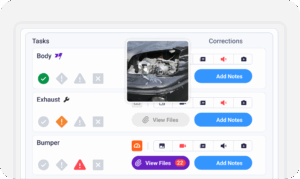
Capture photos and videos. Add notes and findings.

auto repair estimating software

Build accurate estimates with labor, parts, and pricing.

repair order software

Convert approved work into organized repair orders.

auto repair invoicing software

Generate invoices from completed labor and parts.

auto repair job board software

Track jobs, assign technicians, and monitor progress.

Which Repair Shops Do Auto Repair Reminder Campaigns Work For?

Reminder timing runs from each customer’s last visit, not from a shared calendar date, so every customer is counted from the day they were actually in your bay. You set the interval and conditions that fit your work, and the campaign measures from that customer’s last visit forward. A quick lube, an RV shop, and a fleet account each keep their own cadence without anyone maintaining a separate schedule.

Mechanic Shop

Motorcycle Repair

Truck Repair

Oil Change

Tire Repair

Mobile Mechanics

Case Studies

How Repair Shops Build Repeat Business on Torque360

Real shops running their daily operations on one connected platform, from inspections and repair orders to customer communication and follow-up. These stories show how consistent customer contact and connected workflows turn one-time visits into repeat business.
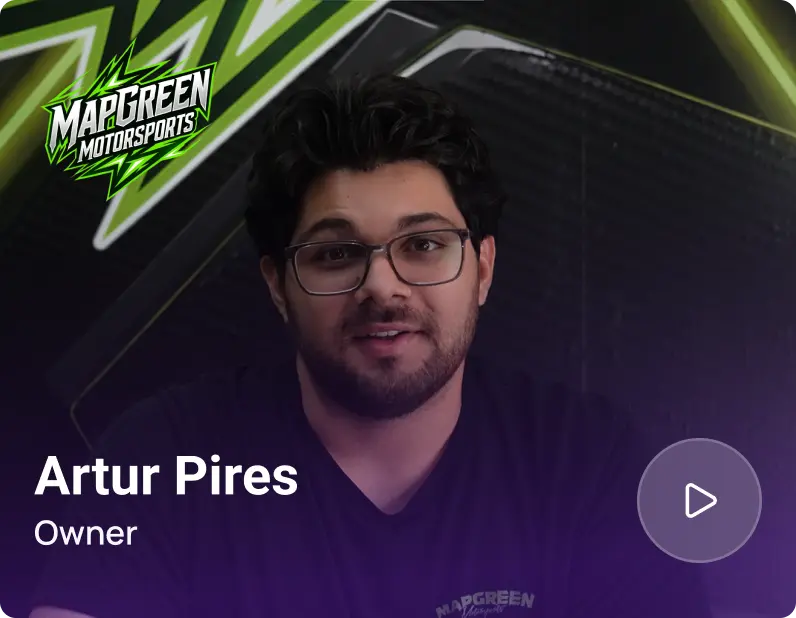
Artur Pires, Owner at Mapgreen Motorsports
Mapgreen Motorsports

"Torque360 changed everything for us. On long projects, nothing gets lost anymore. Labor, parts, approvals, it’s all there. Since using it, I haven’t lost a single cent."

View Story
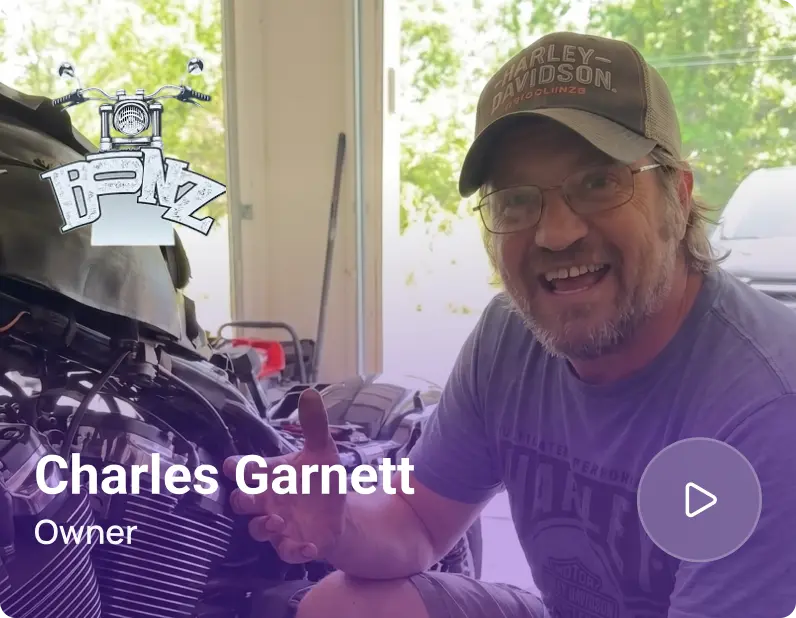
75%
Missed Revenue Prevented
2x
Increase in Project Visibility
Cauy Cuthbertson, Owner at Charles Garnett
Charles Garnett

“Torque360 has everything I was looking for. From scheduling and tracking jobs to QuickBooks Online integration and Torque Pay, it helps me stay organized.”

View Story
8+ Hrs
Saved on Daily Operations
100%
Same-Day Invoicing with TorquePay
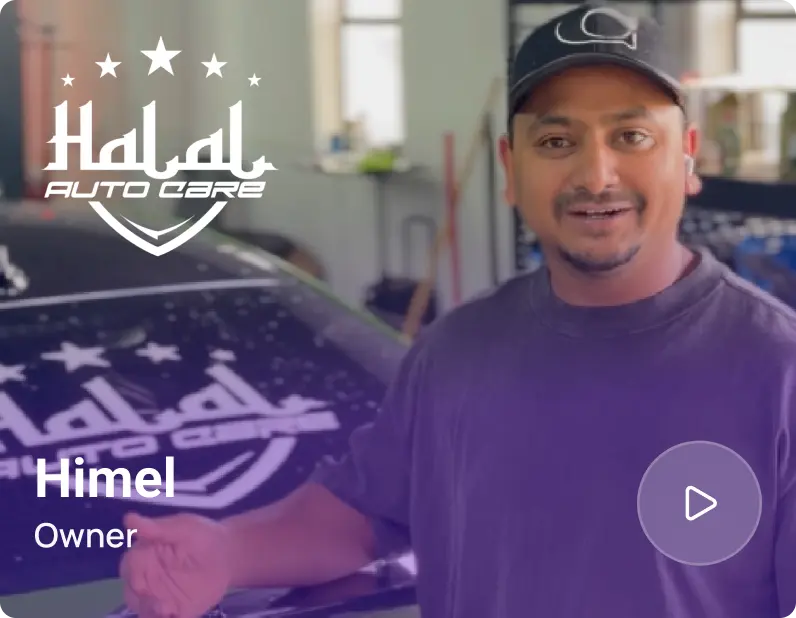
Himel, Owner at Halal Auto Care
Halal Auto Care

"We were doing estimates and tracking jobs manually, and it caused delays and confusion. Now with digital estimates and invoicing, everything is faster and more organized."

View Story
50%
Faster Estimate & Job Processing
1.2x
Higher Customer Capacity
Shop owner video testimonial
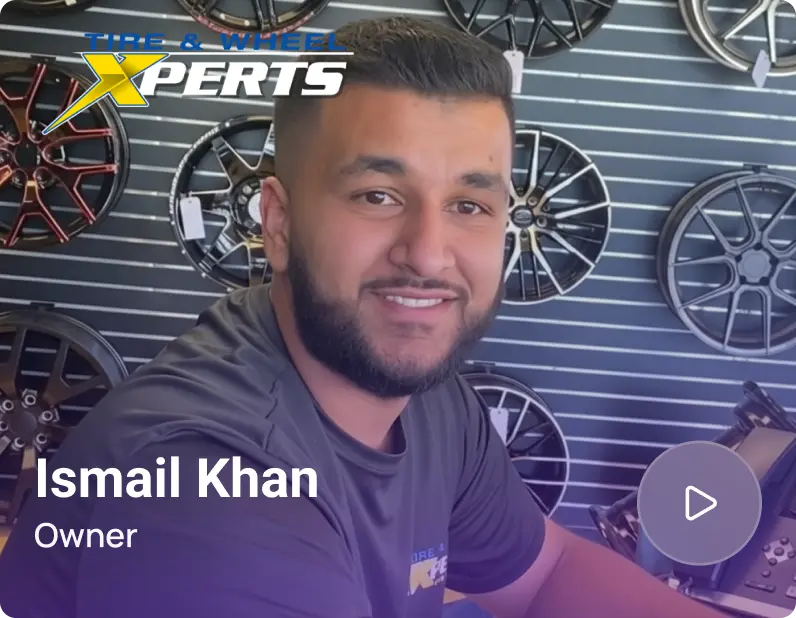
Tire & Wheel Xperts

“Torque360 makes everything easy, efficient, and professional. Each invoice only takes about one to two minutes now. I recommend it 100%.”

View Story
1-2 min
Invoice Creation Time
95%
Automated Inventory Sync
Shop owner video testimonial
Cauy Cuthbertson

"Torque360 helped us bring everything into one place. Jobs, parts, and invoices are easier to manage, and the shop runs more smoothly day to day. It gives us the structure we needed."

View Story
100%
Centralized Shop Workflows
2x
Boost in Operational Efficiency
Testimonials

See What Real Shops Are Saying

google
capterra
trustpilot
G2 Award Badge for User Love in Auto Repair Shop Software

Set Your Reminders Once and Let Them Run

Torque360 sends service reminders, post-service follow-ups, and targeted offers on the timing you define, so repeat business no longer depends on who has a free minute to make calls.

  • More repeat visits, fewer one-time customers

  • Follow-ups that run without staff time

  • Every past customer contacted, with no call list to keep

Frequently Asked Questions

Yes. Customers can stop receiving messages at any time, and honoring those opt-outs is a requirement of SMS and email compliance, not a courtesy. Shops that keep reminders well-spaced usually see very few opt-out requests.

A customer’s last visit is the date their most recent repair order was created. Every reminder counts forward from that date, so the timing is tied to when each customer was actually in your shop rather than to a shared calendar. When they come back and a new repair order is created, that date becomes their new last visit.

Not right away. Because reminders count from each customer’s last visit, a customer who was just in has their timing reset to that visit. They will not hear from the campaign again until the interval you set has passed from their most recent repair order.

Tie the interval to your typical service cycle rather than a fixed calendar. A shop that mostly does oil changes might set a shorter interval than one doing annual maintenance. Whatever interval you choose runs from each customer’s last visit, so a well-spaced reminder can go out without wearing out the relationship.