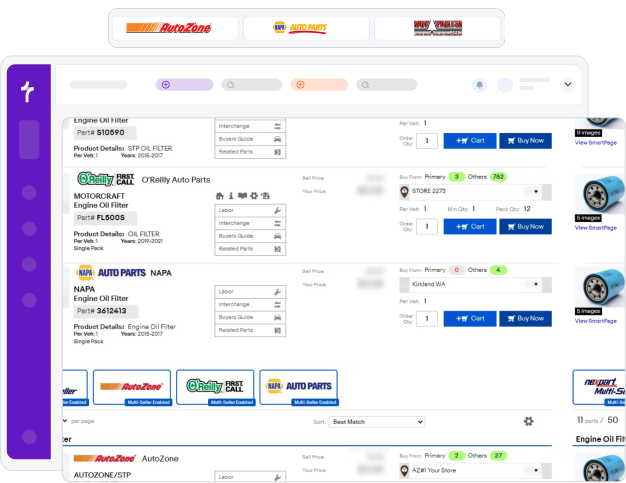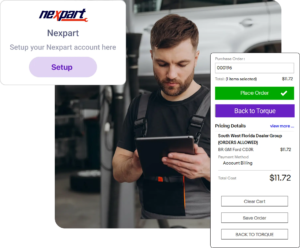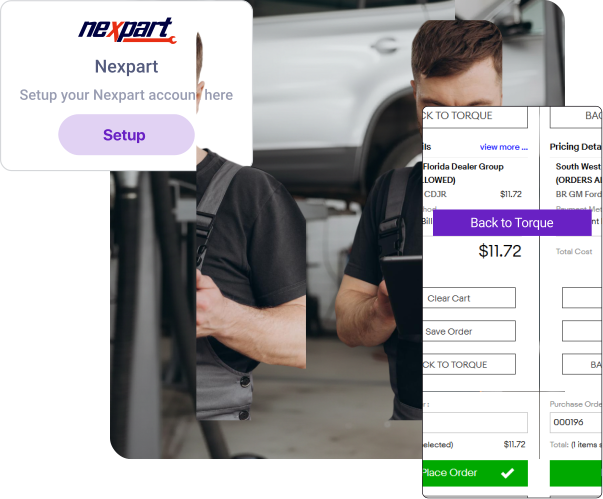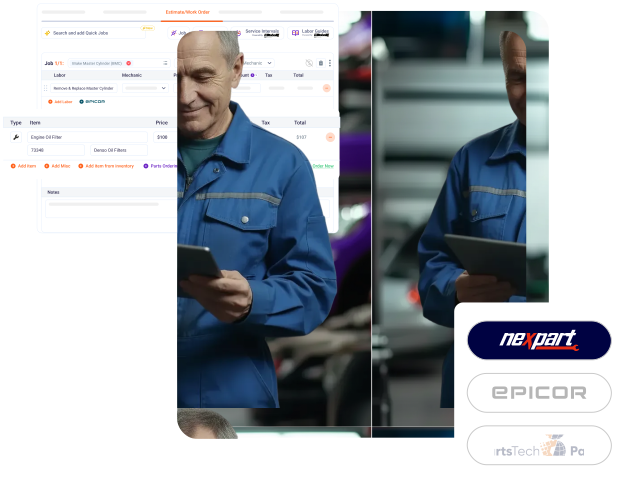
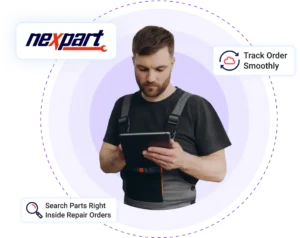
Torque360 brings Nexpart right into your shop management system. Search, compare, and order parts directly from repair orders with live pricing, accurate availability, and zero double entry.
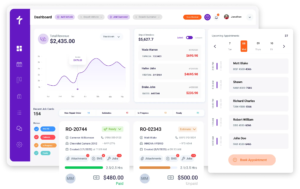
Respond to customers directly from your dashboard. Send updates, answer questions, and confirm details in real time, reducing interruptions and keeping your team focused.
Let customers book appointments and receive automatic reminders. This keeps your calendar organized, cuts down on no-shows, and helps manage peak seasonal demand without extra effort.
Create accurate estimates that customers can review and approve instantly from their phone. Transparent pricing speeds approvals, reduces delays, and keeps repairs moving.
Repair Orders Synced and Streamlined
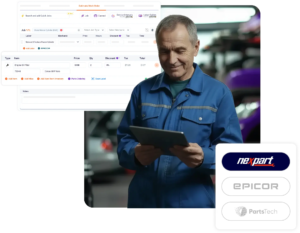
Pull parts directly into repair orders without retyping
Track labor and part costs side by side for profitability
View the complete parts history tied to each repair order
“With Nexpart connected to Torque360, I don’t worry about wrong parts anymore. Everything syncs into the repair order, and my team can focus on finishing jobs instead of chasing parts.”
Randal B
Auto Repair Shop Manager
“Ordering parts used to slow us down, but now everything happens inside Torque360. I can look up parts, check pricing, and order without leaving the repair order. It saves us hours every week”
Reduce Parts Ordering Time by 70%
With Nexpart inside Torque360, you can search, compare, and order parts in under 5 minutes, reducing errors, speeding up jobs, and boosting profit every day.
Yes. You can connect and manage multiple supplier accounts directly within NEXPART, allowing you to compare vendors and choose the best option for each job from your Torque360 Repair Orders.