
Truck Repair Software
Truck Shop Management Software for Heavy Duty Repairs
Torque360’s truck repair software keeps your shop running smoothly with effortless scheduling, fast estimates, and streamlined payments. Built for heavy-duty repair shops, it helps you finish jobs quicker and keep fleets moving without downtime.
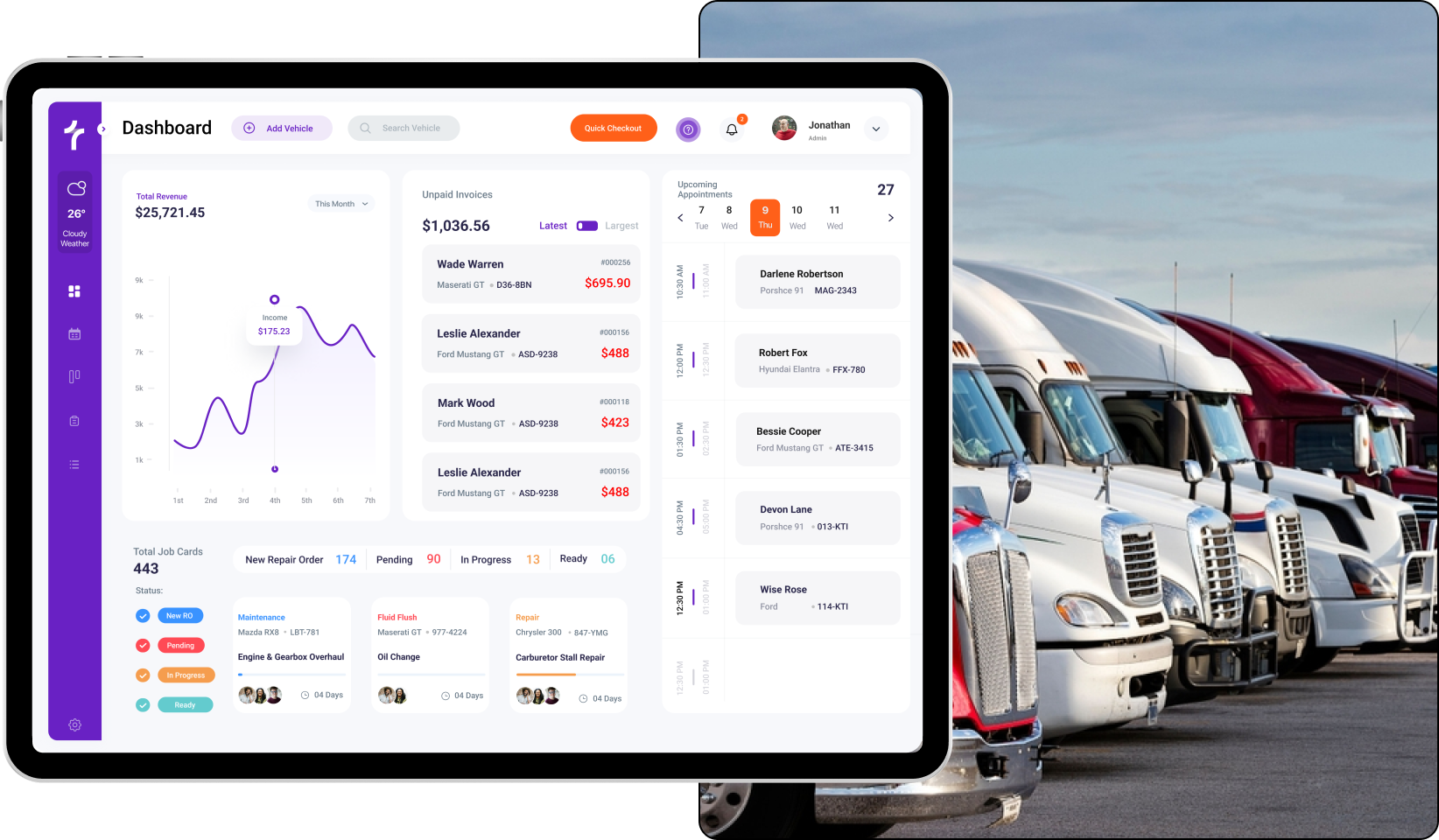
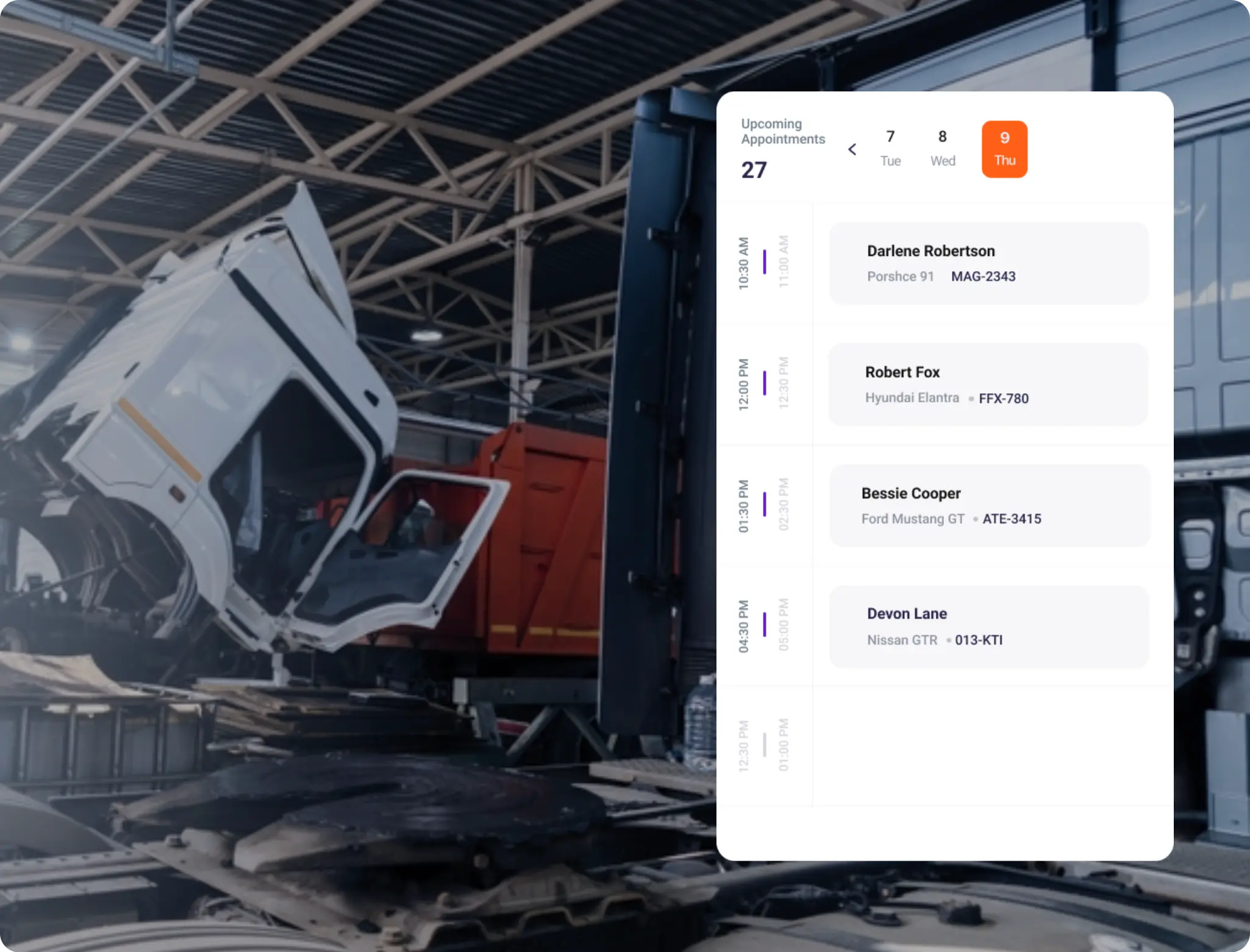
Ideal for Busy Truck Shops
Our heavy-duty truck repair software helps you schedule repairs quickly and easily. Easily schedule repairs, assign technicians, and keep bays filled.
Upcoming appointments with your truck drivers? Send automatic reminders for your upcoming appointments and keep your shop and customers on schedule.
Too many moving parts? Fleets, parts, tools, employees, and schedules—all heavy-duty repairs for fleets are easily managed from one dashboard.

Your Shop All Organized
Tracking parts across locations, avoiding stockouts, and smart ordering is made possible with truck repair shop inventory. Keep an easy track of the parts inventory whenever you need.
Truck repair shop invoices are best handled with a digital invoice. Just create, send, and track multiple bills in no time. Collecting signatures is a lot easier.
See which jobs pay best, track employee productivity, monitor tech performance, and optimize your work order processes—all with our truck and trailer repair software.


Fast Truck Repairs for Every Truck
Check the idling, speeding, engine faults, and battery levels of the truck during inspection. Capture error codes and take instant notes.
Build trust with clear, itemized quotes using truck repair estimate software. Convert estimates into jobs with a click.
Digital invoices, signatures, and records with our truck repair shop invoice software mean less paperwork and faster payments.
Integrated Invoicing and Payment Processing
Process payments in under 10 seconds with our POS system for truck shops. Flat rates, no hidden fees. Customers can make payments using cards or TorquePay.
With built-in truck repair shop CRM software, send real-time updates via email and SMS. Techs, advisors, and customers—always on the same page.
Benefit from an easy-to-use technician portal to track hours, earnings, and productivity in real-time. Keep your team motivated at all times.

FAQs
Yes, with our truck scheduling software, you can create online appointments for customers. Simply go to the appointment dashboard and choose a suitable time and date on the calendar to book your appointment.
Torque360 heavy-duty truck repair software helps you manage your truck repair shop workflow on any of your portable devices. You can easily see your total shop revenue, profit, appointments, and techs’ productivity.
You can verify and share the invoice after double-checking that all the information is correct, then send the link to the customer’s email or share it via SMS.
Yes, with our POS system for truck shops, you can easily track your payments by applying a filter for the unpaid invoices.
You can mention line items, total hours, labor charges, parts and supplies cost, discounts, taxes, and miscellaneous charges. In this way, you can give your customers transparent estimates.