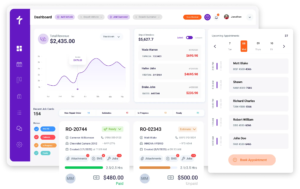
Epicor Integration

Parts Ordering and Labor Time Guides in One Dashboard

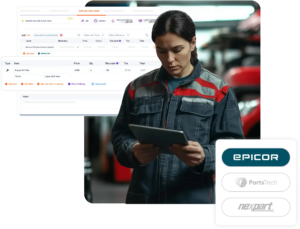
Get instant access to the world’s largest database of parts catalogs and Mitchell1 labor guides in one shop management dashboard. Accessing the right parts and calculating precise labor times is easier and convenient to get the jobs done right on time with Torque360’s Epicor integration for auto repair software.

How it works?
How Epicor Repair Shop Software Integration Works in Torque360

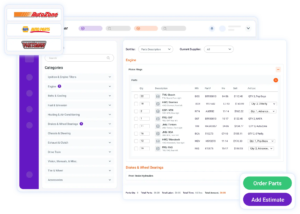
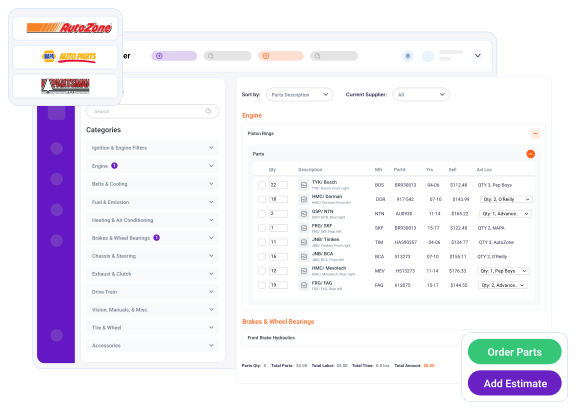
Search Parts Inside Torque360

Type the part you need directly inside Torque360 using the automotive repair software Epicor integration.

See Real-Time Availability & Labor Guides

View supplier stock, pricing, delivery timelines, and linked Mitchell1 labor guides in one place.

Compare and Select

Review multiple supplier options side by side, then choose the best match based on availability and cost.

Order in One Click

Once selected, place the parts order instantly through the Epicor integration inside Torque360. No external tabs required.

Auto-Update Your Work Order

Torque360 automatically updates the job ticket, estimate, and invoice the moment the part is ordered.

Quickbooks automotive accounting software

Find the Right Vehicle Parts Instantly

The Epicor automotive parts management system ensures a massive parts catalog built right into Torque360. Compare parts and their options, and place an order in seconds.

Keep your team’s workflow moving inside Torque360 without any hassle of jumping between tabs, calls, or catalogs.

With Epicor integration for auto repair software, you’ll reduce comebacks and turn first-time visitors into loyal repeat clients, thanks to correct parts and precise labor times.

Labor Times Guides Powered by Mitchell 1
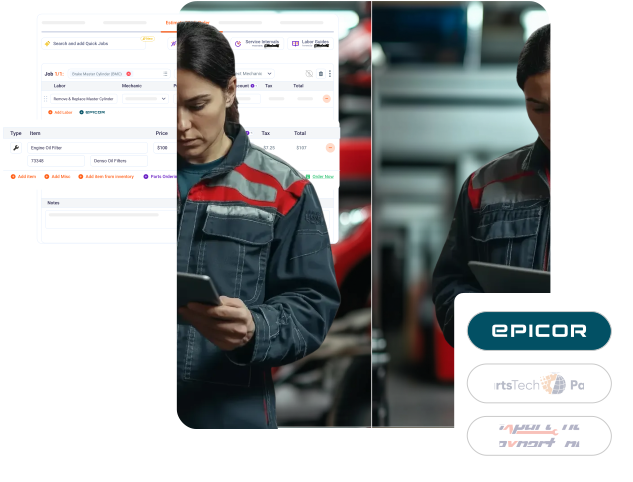
Integrate Epicor with repair software to see the accurate labor times for every repair you make. Schedule jobs with better efficiency with Mitchell1 labor guides integrated through Epicor.

Make estimates, invoices, and schedules accurate with labor times, automatically linked to parts ordering via Epicor API and repair orders.

Labor times enable you to complete repairs as per schedule, reduce mistakes, and increase repeat visits while your customer gets reliable service.

Quickbooks automotive accounting software

What Epicor + Torque360 Can Do for Your Shop

  • Save up to 60 minutes per day by skipping manual part searches.

  • Reduce wrong part orders by 30% with built-in accuracy checks.

  • Cut downtime with real-time pricing and availability.

  • Streamline parts ordering via Epicor API.

Other Powerful Integrations
Testimonials
What Shop Owners are Saying About Epicor Integration 
google
capterra
trustpilot
G2 Award Badge for User Love in Auto Repair Shop Software

Parts Ordering Integration Every Shop Owner Needs

Epicor + Torque360 makes sourcing parts lightning-fast and error-free. Search, compare, order, done.

Frequently Asked Questions

This integration lets you access Epicor’s vast parts catalog, pricing, and ordering directly inside Torque360’s auto repair shop management software.

Integrate Epicor with repair software to save time, reduce mistakes, speed up repairs, and help serve more customers with less hassle.

No. The Epicor repair shop software integration is built into Torque360, so you can search and order parts directly from your dashboard.

Yes. Every part you order syncs with your repair orders, invoices, and inventory automatically.

Epicor automotive parts management integration is available in the Supercharged Pricing Plan. Contact our team to learn more about pricing and setup.